Step 1: Go to the video
Go to the video you want to embed, such as this YouTube video.

Go to the video you want to embed, such as this YouTube video.
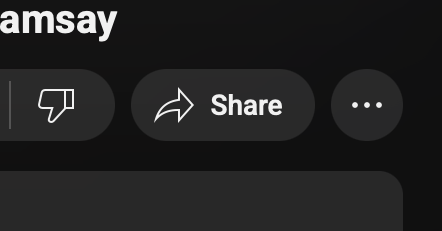
Underneath the video, click the Share icon. You will get the following options.
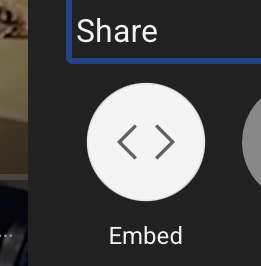
Once you see the popup, click Embed, which shows the code.
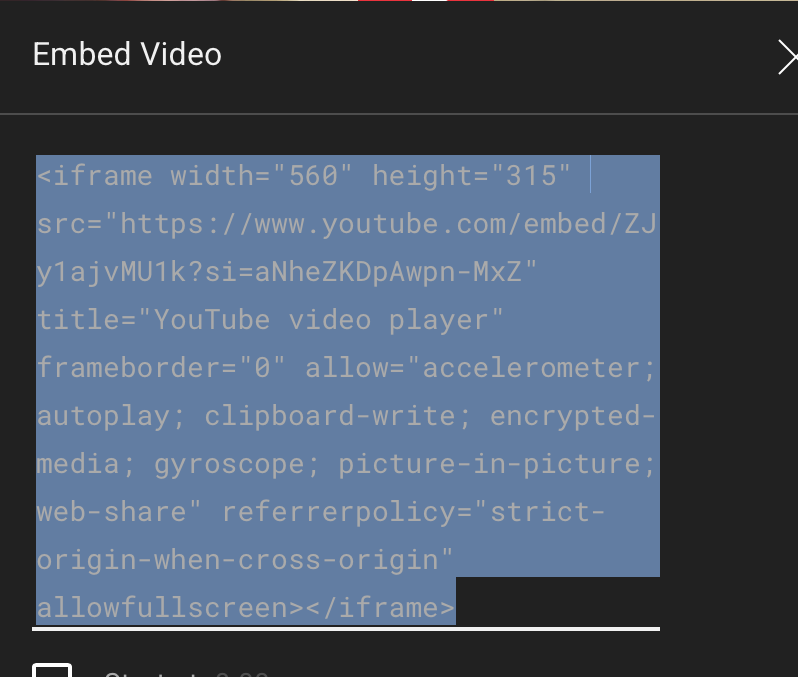
Highlight the code and click Command + C.
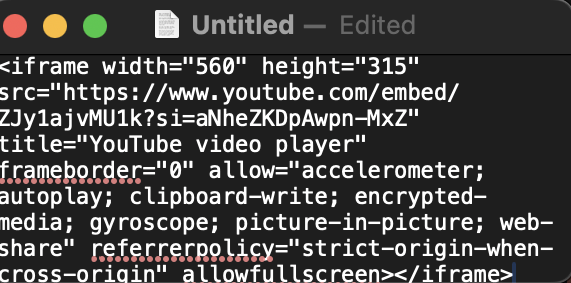
Click Command + V to paste the code into TextEdit.
The embedded video should look like the one below: